
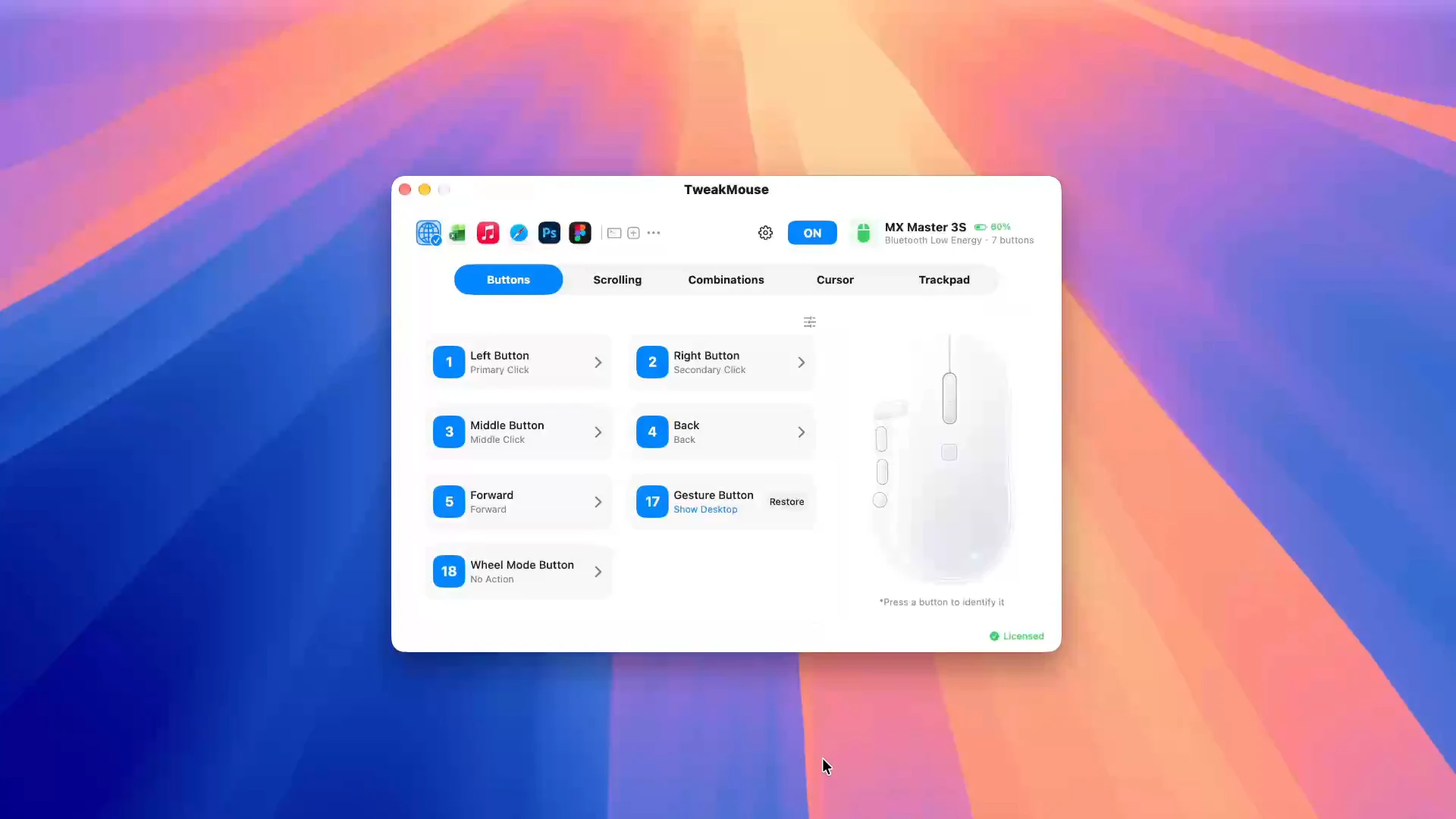
Arrange windows with ease.
Place a window on the left or right, or arrange several at once for easier multitasking.

Tune scrolling and cursor movement, remap buttons and wheels, build macros and combinations, and customize each app — all in a lightweight, privacy-first Mac app.
30-day free trialNo credit card required
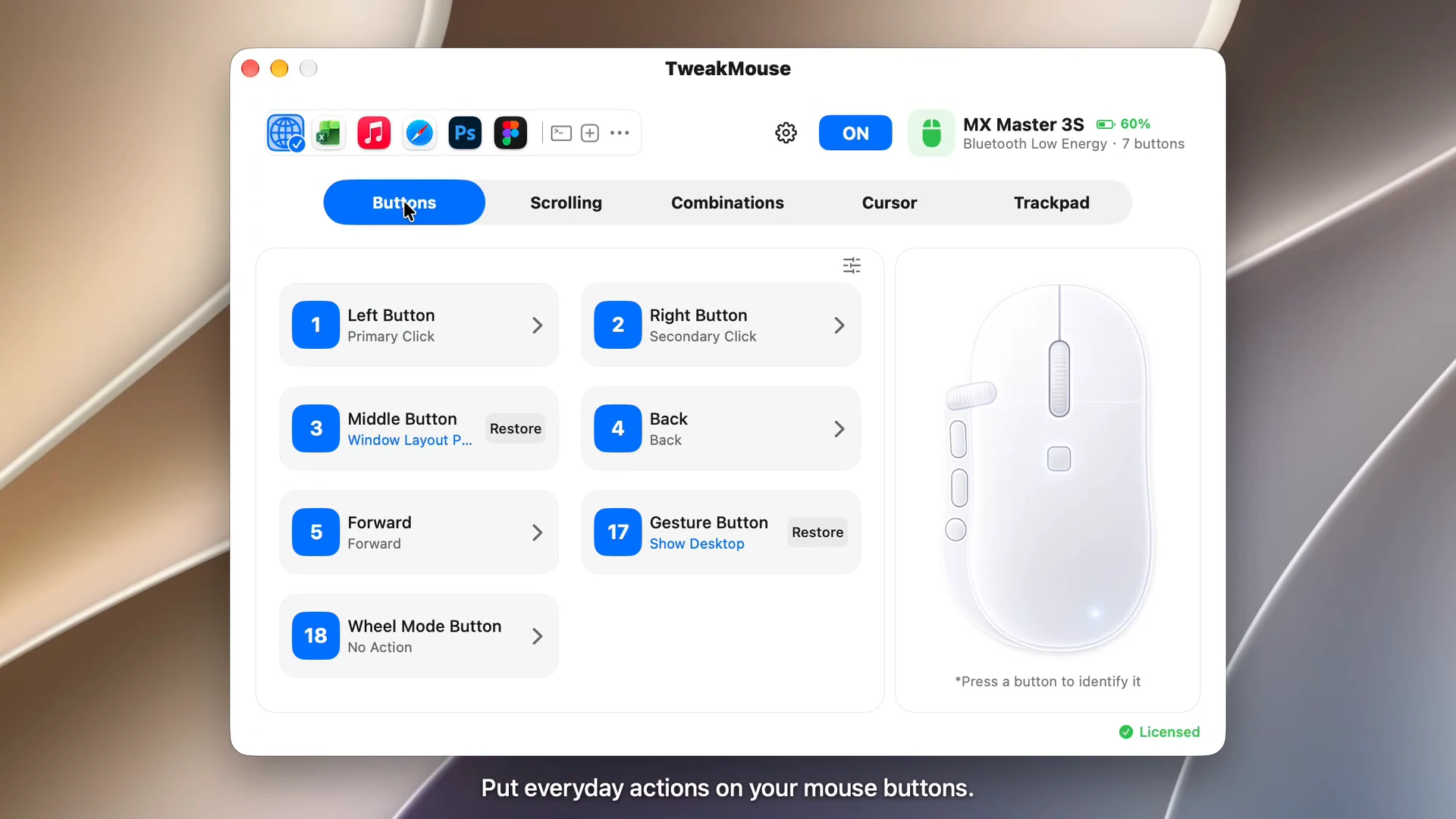
Button remapping
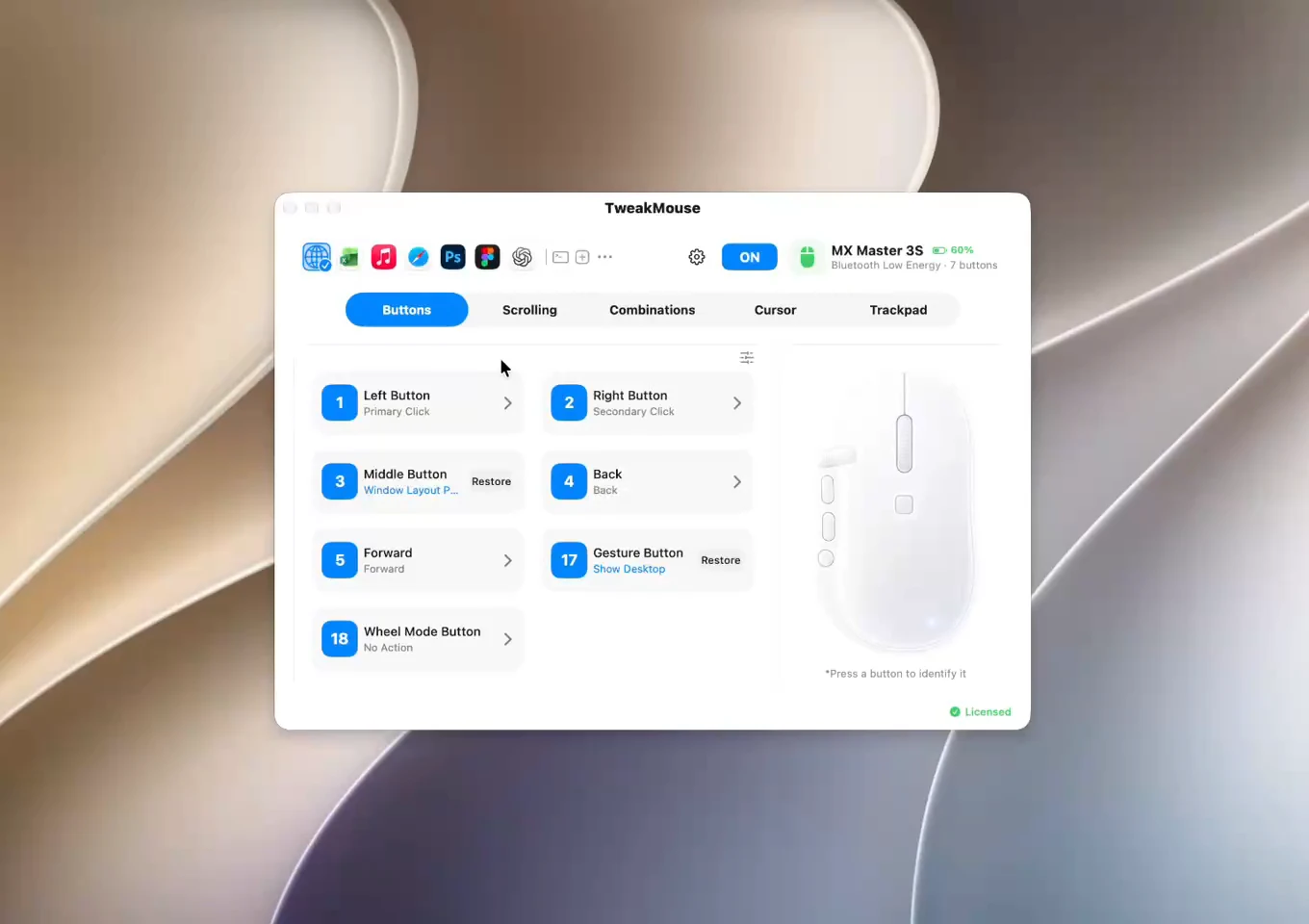
Turn your mouse buttons into the actions you use most. Click, double-click, or hold to open apps, control your Mac, and run keyboard shortcuts — your way.
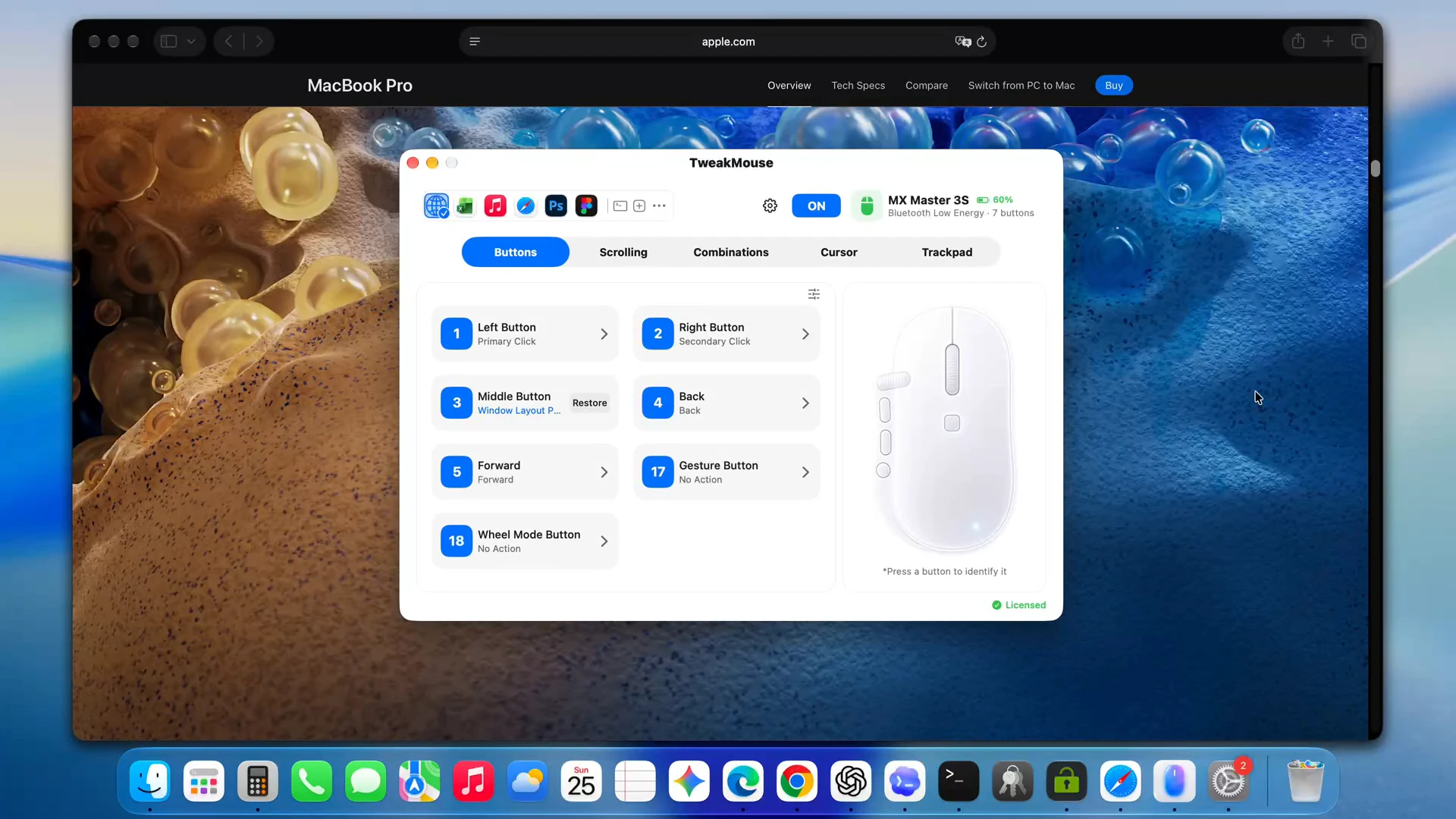
Smooth scrolling
Give your mouse a smooth, natural scroll. Adjust smoothing, speed, and inertia, or reverse the main scroll wheel direction.
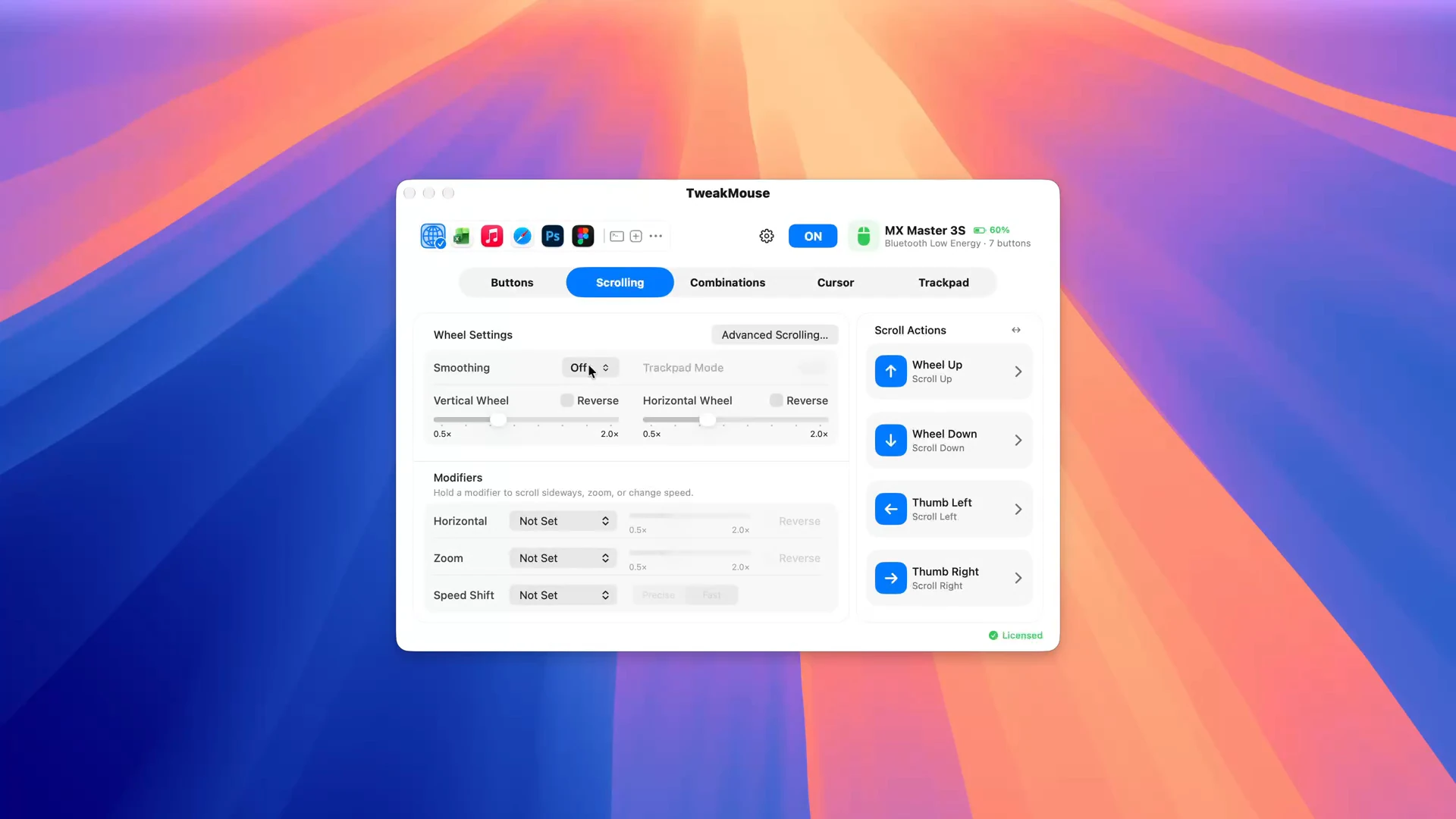
Button combinations
Combine buttons, scrolling, and cursor movements to trigger more actions with fewer buttons.
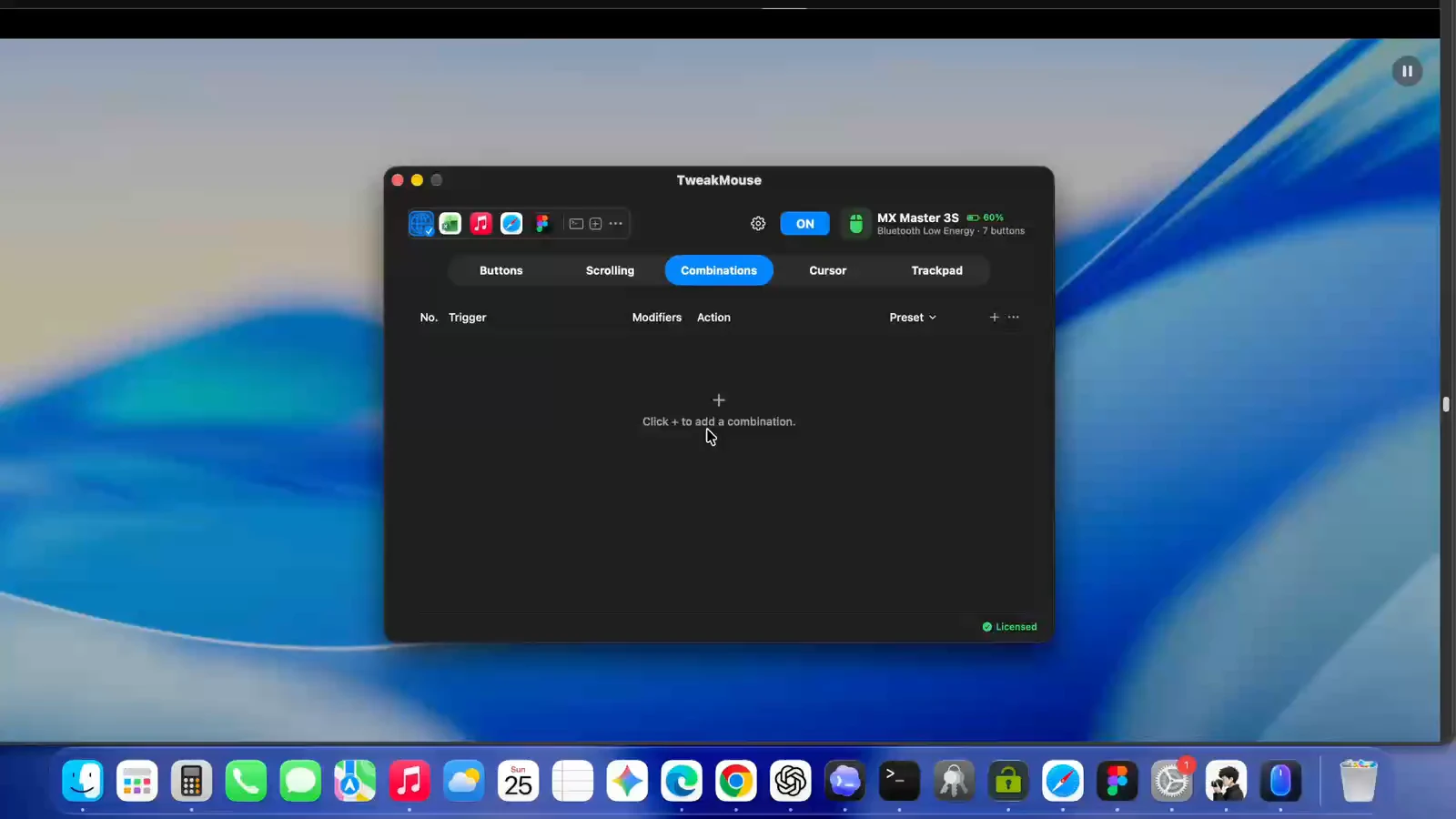
Window management
Arrange and resize windows without all the dragging. Keep your desktop organized and give every task its space.
Place a window on the left or right, or arrange several at once for easier multitasking.
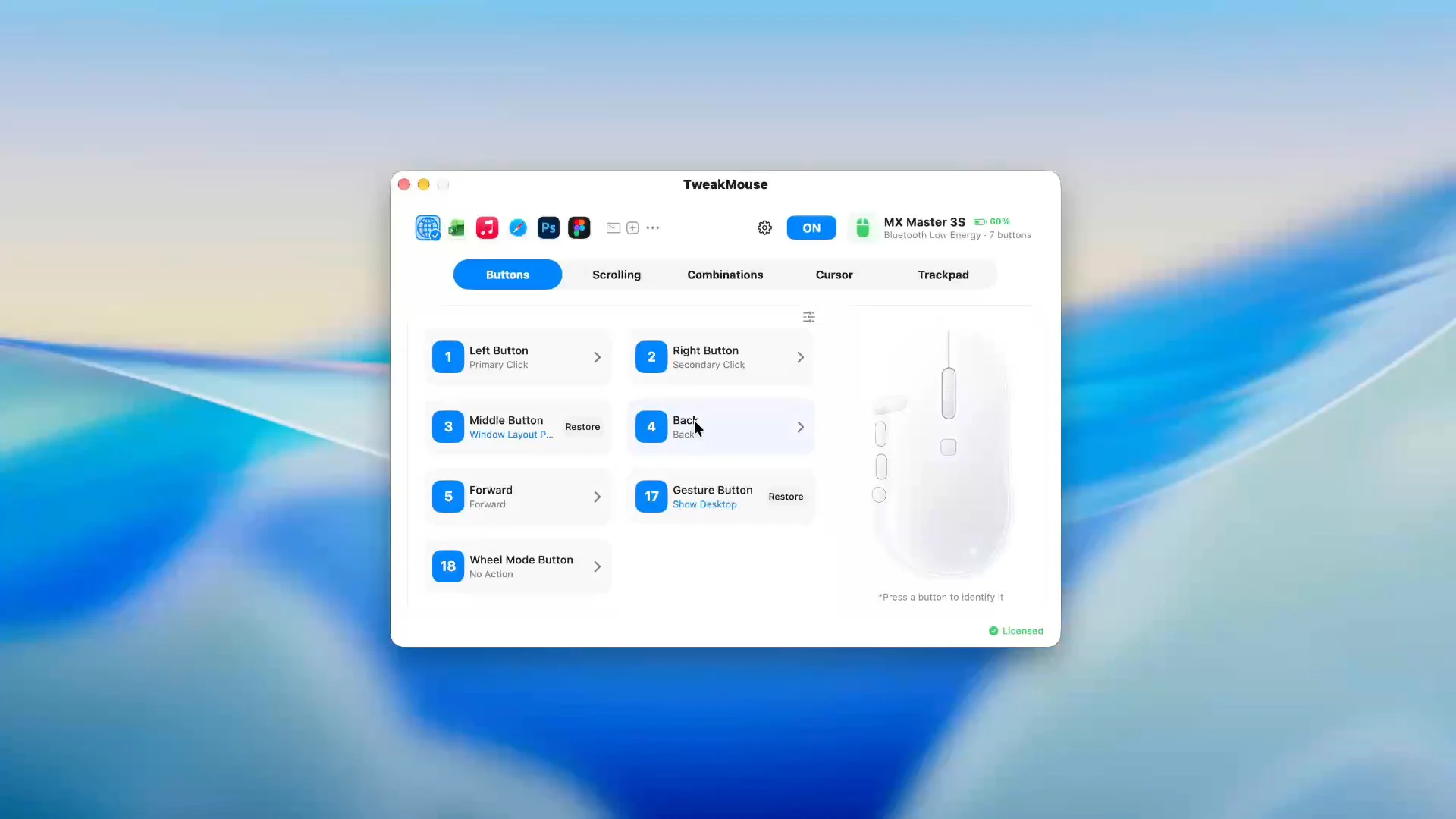
Hold Command and the right mouse button, then drag to resize a window from any corner.
More ways to scroll
Use modifier keys and different wheel directions to scroll sideways, zoom, and trigger custom actions.
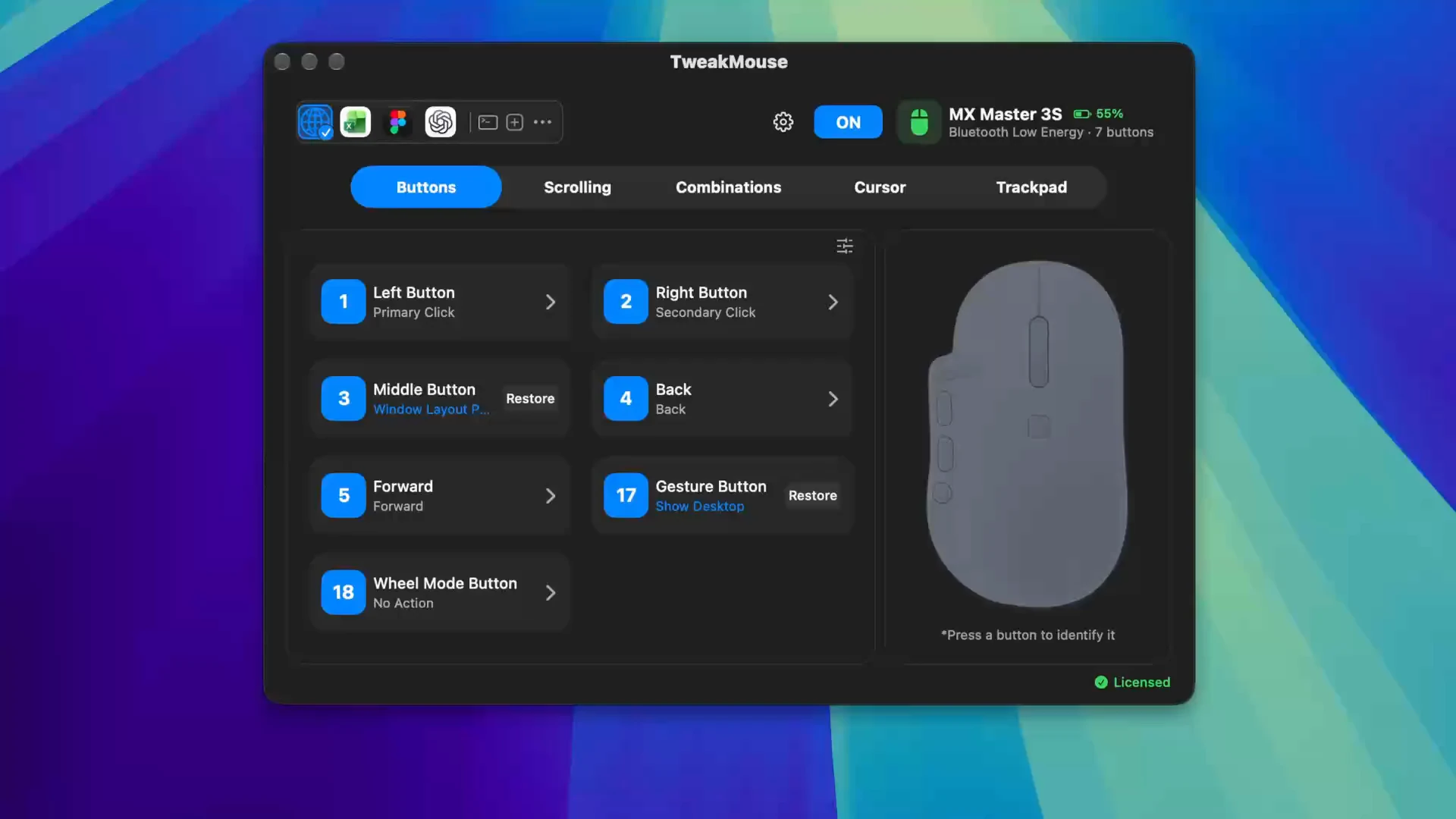
Hold a modifier key and turn the wheel to scroll horizontally, zoom, or run a custom action.
Adjust vertical and horizontal scrolling separately for web pages, spreadsheets, and wider content.
More possibilities
Automate repeated actions, fine-tune your cursor, and give every app its own settings. Make your mouse fit the way you work.
Macros & action loops
Record keyboard and mouse actions, then run the sequence with one button. With an action loop, each press runs the next action in your list.
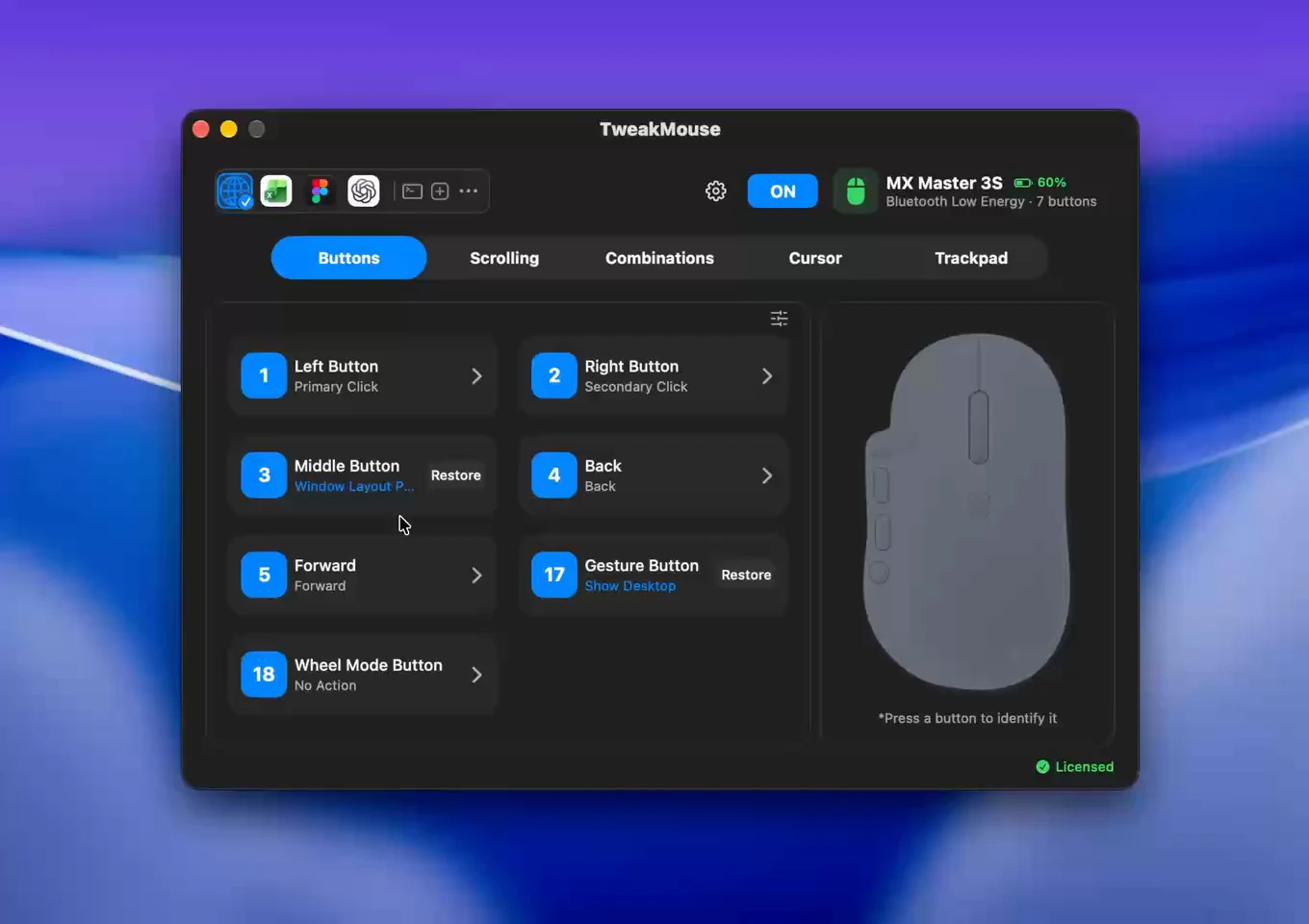
Cursor control
Tune sensitivity and acceleration for the speed and response you prefer. On supported mice, you can also adjust hardware DPI.
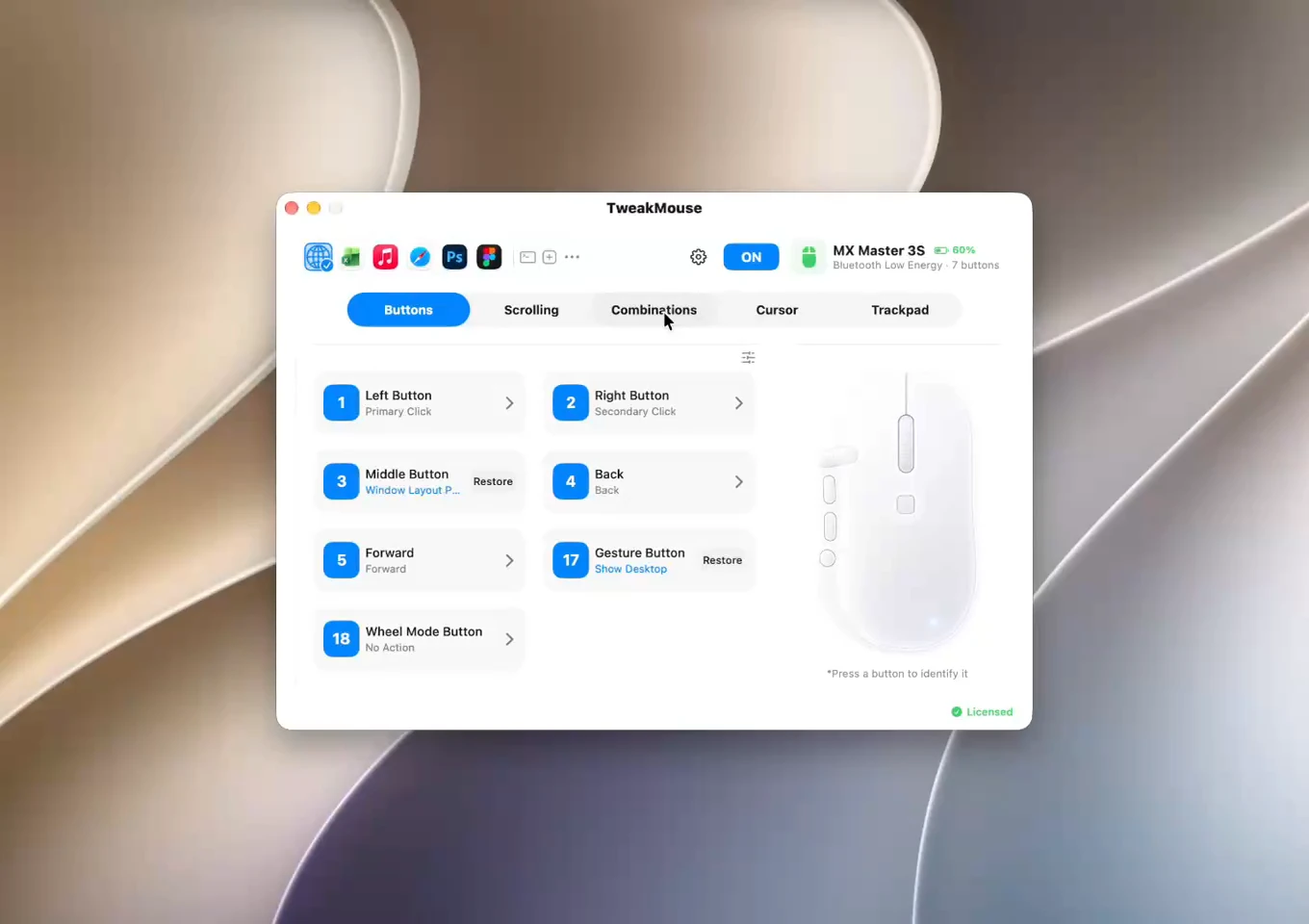
App-specific settings
Give each app its own mouse buttons and scrolling settings. Your configuration switches automatically with the app, so there’s nothing to readjust.
Pricing
Everything you need to make your mouse your own. No subscription.
Fine-tune scrolling, remap controls, and make every app work your way.
Personal license
Early supporter priceRegular price US$15.99
US$8.99
one-time purchase
Permanent use of TweakMouse 1.x.
Buy TweakMouseTry free for 30 days BetaLocal currency and applicable tax shown at checkout.
FAQ
TweakMouse includes a full 30-day free trial. A personal license is a one-time purchase of US$8.99 at the early supporter price (regular price US$15.99), with no subscription. Local currency and applicable tax are shown at checkout.
Yes. Buy once and use TweakMouse 1.x permanently, with no monthly or annual fees.
Each license can activate up to 5 Macs. Deactivate a device you no longer use in device management to free a slot for a new one.
TweakMouse supports a range of USB, Bluetooth, and wireless receiver mice, including selected models from Logitech, Razer, Rapoo, and other brands.
Basic button and scrolling features work with a wide range of mice. Advanced features such as extra buttons, horizontal wheels, and DPI controls depend on the hardware and driver support of your specific mouse.
Window controls also depend on the target app exposing the required macOS Accessibility controls.
An internet connection is required to start your trial and activate a license. Once a permanent offline license has been issued to your Mac, TweakMouse 1.x can be used offline.
When connected, the app synchronizes license changes such as refunds and device deactivation. Older licenses that use online verification follow the validity period shown in the app.
Your mouse settings are stored locally and do not need to be uploaded to the cloud.
TweakMouse uses macOS Accessibility and Input Monitoring permissions to recognize and carry out mouse actions. Purchases, trials, and license verification require the processing of essential licensing information.
Anonymous crash reports are optional and can be turned off in Settings. Diagnostic attachments are generated locally when you choose to provide feedback; you decide whether to send them.
Yes. Set up app-specific button mappings, combinations, and supported scrolling options.
TweakMouse automatically applies the matching settings when you switch apps. No manual switching needed.
No. If your license has an available device slot, activate TweakMouse on your new Mac using your original purchase email and license key.
If you have reached the 5-device limit, deactivate an old device before activating the new one.
From smoother scrolling to smarter buttons and combinations. Redefine your Mac mouse experience with TweakMouse.
30 days free. No subscription. Buy once to keep TweakMouse 1.x, on up to 5 Macs.